

SERVO BM5310 Mini 3 SIM Standby Feature Mobile Phone Speed Dial Magic Voice Blacklist MP4 Player FM Radio Small Backup Cellphone
red N 16GB TF card
Sale price
€49,19
Regular price
€66,41
Skip to product information




SERVO BM5310 Mini 3 SIM Standby Feature Mobile Phone Speed Dial Magic Voice Blacklist MP4 Player FM Radio Small Backup Cellphone
Sale price
€49,19
Regular price
€66,41
SPECIFICATIONS
3.5mm Headphone Port: no
Battery Capacity Range: <3000 mAh
Battery Capacity(mAh): 480
Battery Type: Detachable
Biometrics Technology: no
Bluetooth Version: YES
Brand Name: SERVO
CPU Model: MTK
Cellular: 2 G
Certification: CE,FCC
Charging Interface Type: Micro USB
Charging Power: Other
Choice: yes
Design: Bar
Display Resolution: 240*240
Display Size: 1.33
Fast Charging: Nonsupport
Front Camera Pixel: None Front Camera
Front Camera Quantity: NONE
High-concerned chemical: None
Item Condition: New
Language: English,Russian,German,French,Spanish,Polish,Portuguese,Italian,Turkish,Arabic
Memory Card Type: Dedicated slot
NFC: no
Operation System: Dumbphone OS
Origin: Mainland China
Rear Camera Pixel: ≤ 1 MP
Rear Camera Quantity: 1
SERVO Model: bm5310
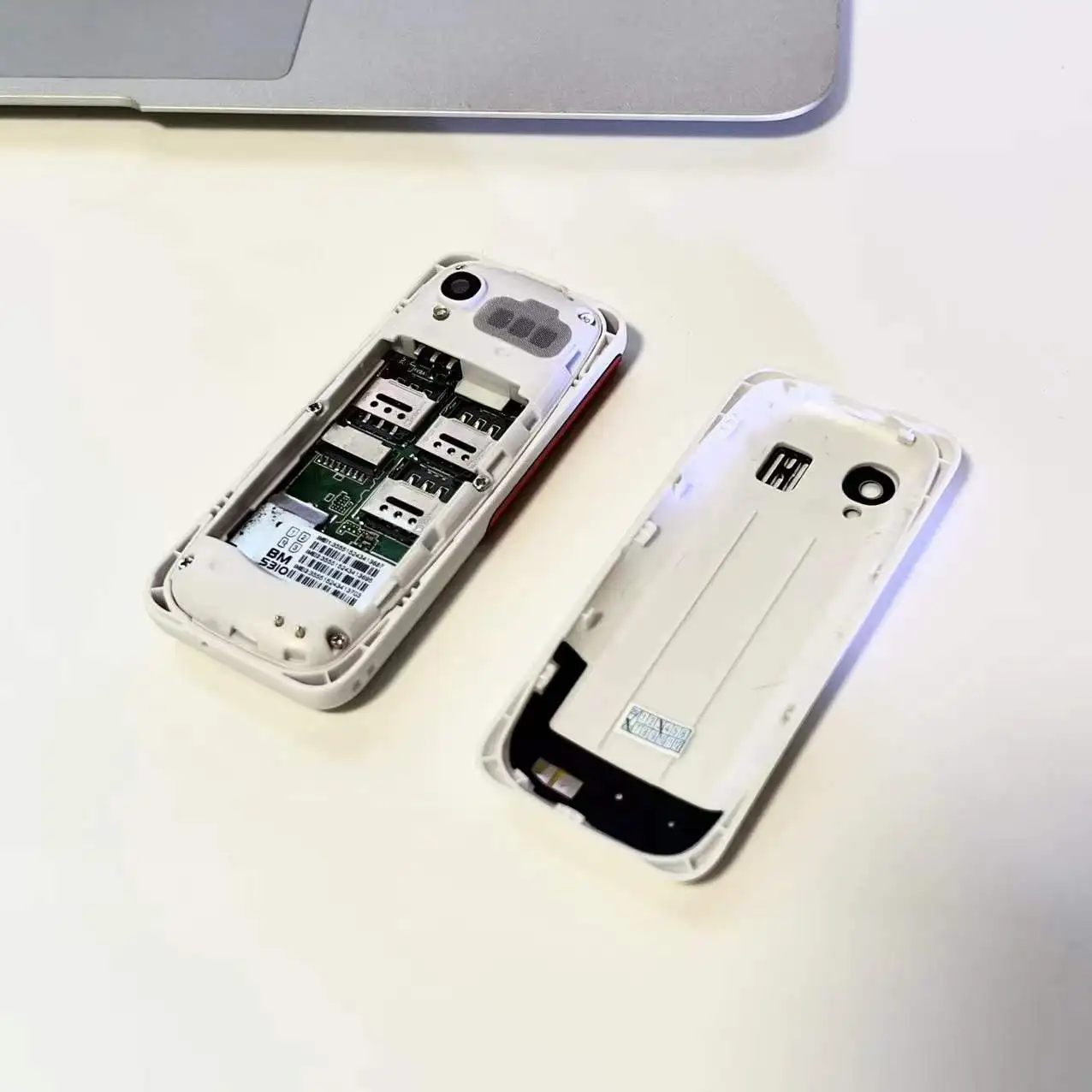
SIM Card Quantity: 3 SIM Cards
Screen Material: TFT
Screen Refresh Rate: Other
Screen Type: Normal Screen
Touch Screen: No
WIFI: no
Wireless Charging: no
SERVO BM5310
🧩Product Parameter
▸Model : BM5310
▸CPU : MTK6261
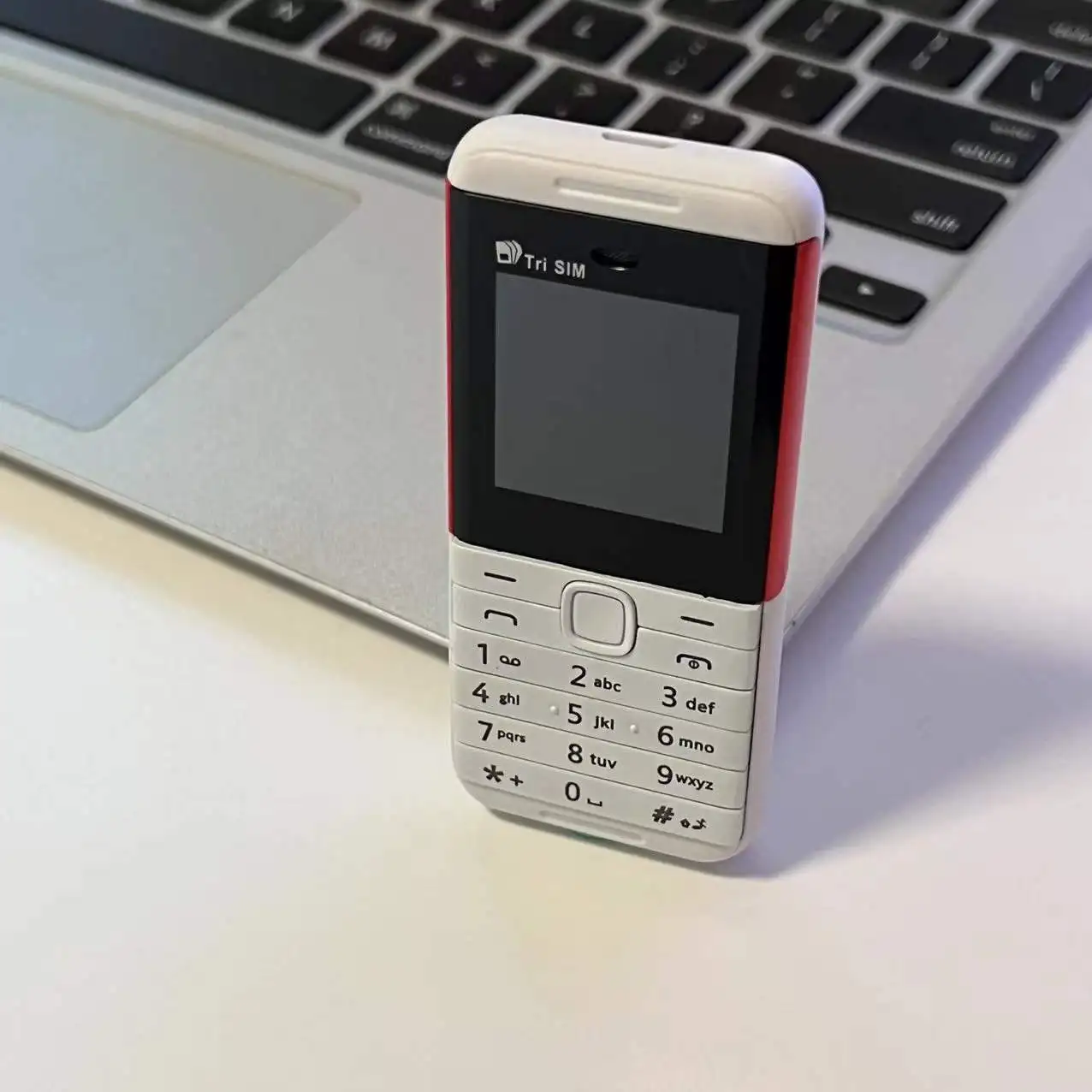
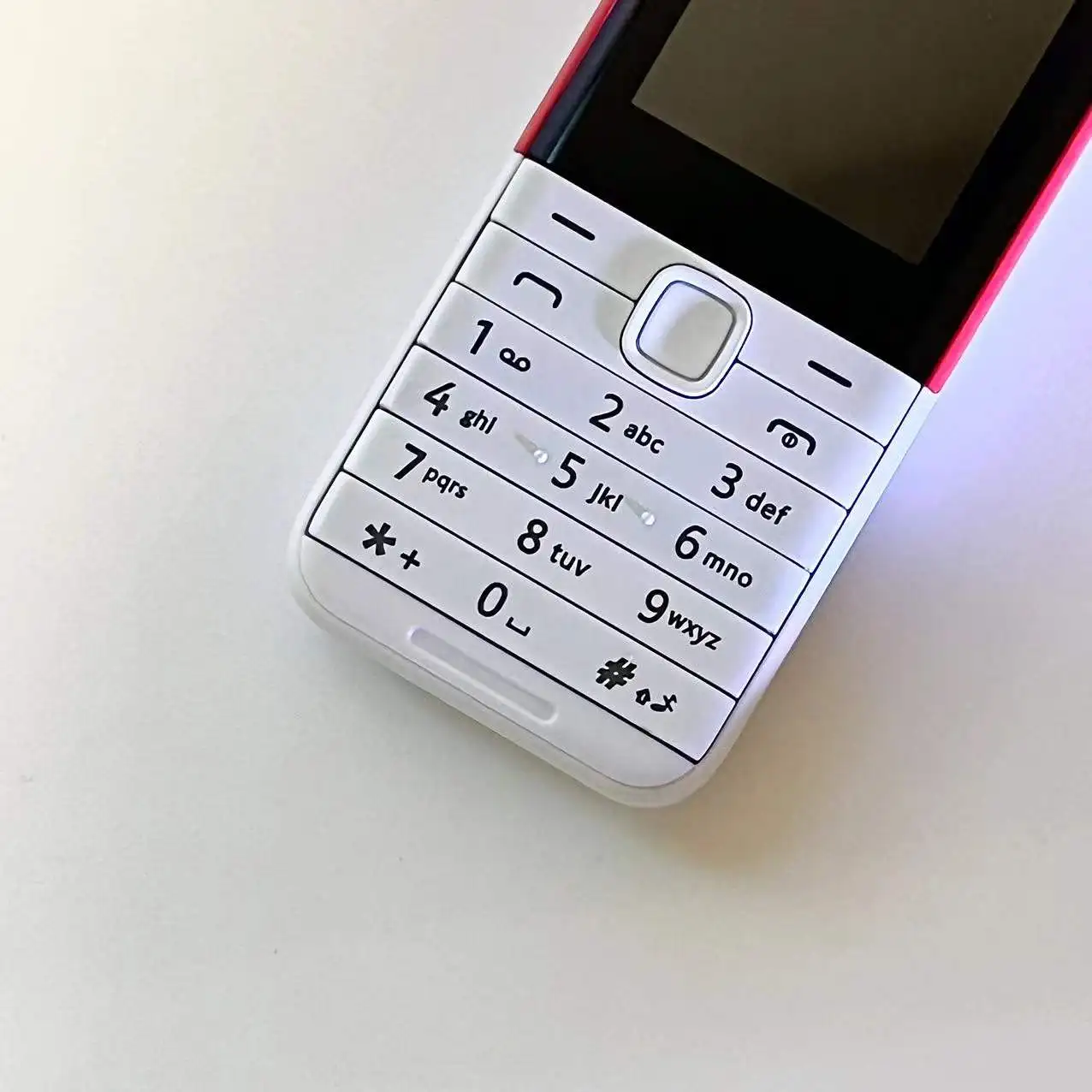
▸Screen Size : 1.33 inch 240*240 Screen
▸SIM Card Quantity : 3 SIM cards (3 Nano SIM card)
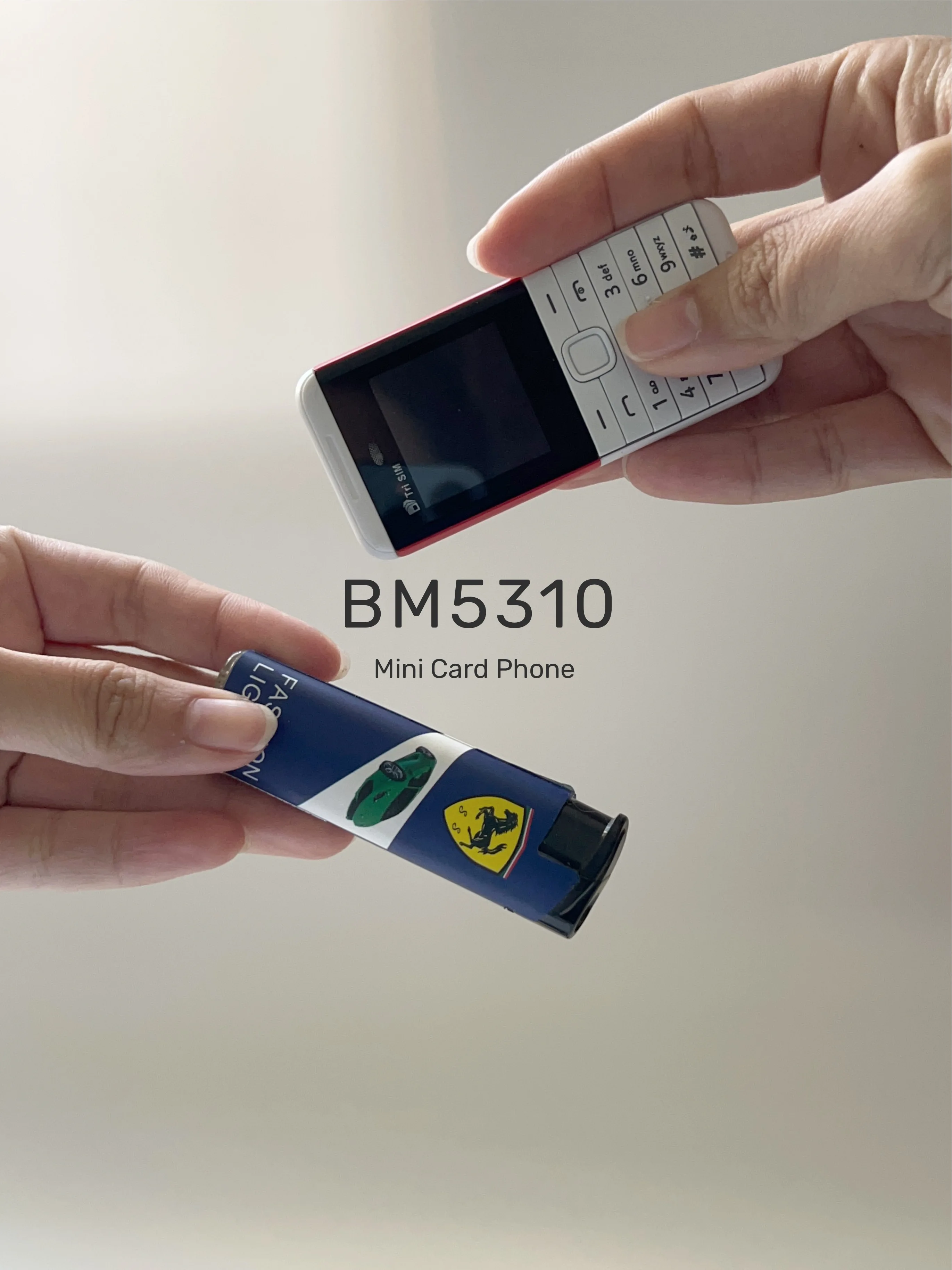
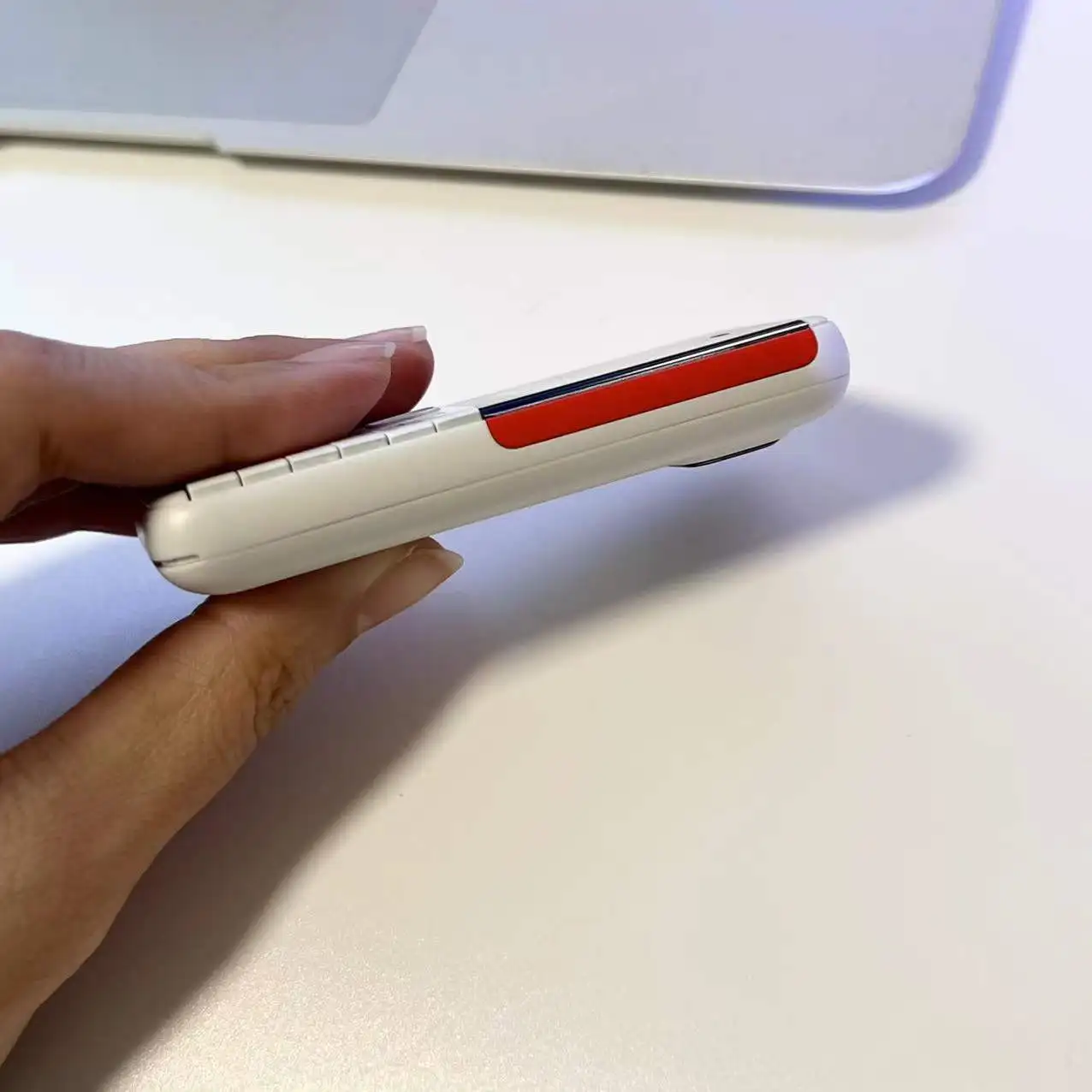
▸Phone Size : 82.5*36.5*12.4mm
▸Phone Weight : 36g
▸Memory Card : 32Mb RAM, 32Mb ROM (Maximum support 32GB expansion ,The system will occupy part of the memory,It is recommended to install a memory card before using the phone)
▸Phonebook : 300
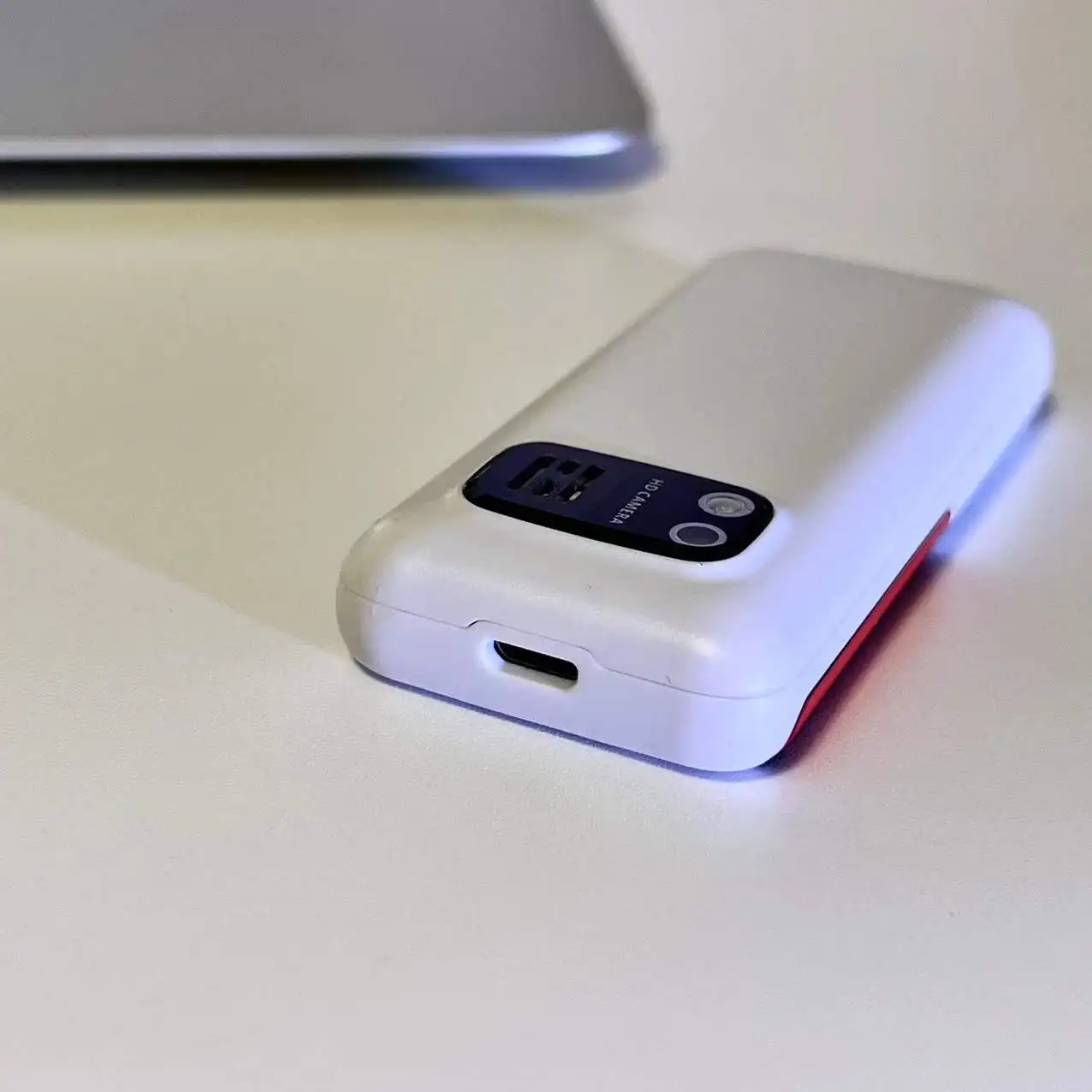
▸Camera : Rear Camera 0.3MP
▸Torch:not supported
▸Flash:not supported
▸Headphone jack:not supported
▸Body interface:Micro USB
▸Bluetooth :Support
▸Audio Playback:Support
▸Video Playback:not supported
▸Battery capacity:480mAh(lithium polymer battery)
▸WiFi connection: not supported
▸Operating system: Non smartphone operating system, unable to download application
📶Network
2G GSM 850/900/1800/1900MHz
Some countries have already discontinued 2G GSM networks. Please check if your SIM card supports 2G GSM network
South Korea, Singapore, Japan, Australia, Israel, and other countries have stopped 2G networks, and the phone cannot be used in these countries
🌏System Languages
English, Russian, French, Spanish, Polish, Portuguese, Italian, Deutsch, Bahasa Melayu, Bahasa Indonesia, Czech, Hungarian, Vietnamese, Turkish, Arabic, Hebrew, Thai, Greek, Croatian, Persian
🌟Features
▸Super Small Pocket Phone
▸3 SIM Card 3 Standby
▸Speed Dial
▸Auto call recorder
▸Magic Voice
▸Bluetooth Dialer
▸Wireless FM Radio
▸Blacklist
▸More Useful Functions
Pre-purchase Note :
Due to the problem of network frequency band, the mobile phone cannot be used normally in the following countries: Colombia, India, Türkiye, Chile, Azerbaijan, Tanzania, Australia. Please know before ordering
📦Packages
1 x Phone
1 x Box
1 x USB Cable
1 x Battery
1 x Sling
Note:
1. This product does not contain a SIM card, please buy it locally by yourself.
2. There is a layer of insulating tape on the battery of the mobile phone. Before using the phone, you need to open the back cover and remove the insulating tape.
3. The phone screen has a protective film. You can remove the screen protector while using your phone.
4. The Bluetooth dialing function and the call recording function and Magic Voice cannot be used simultaneously.
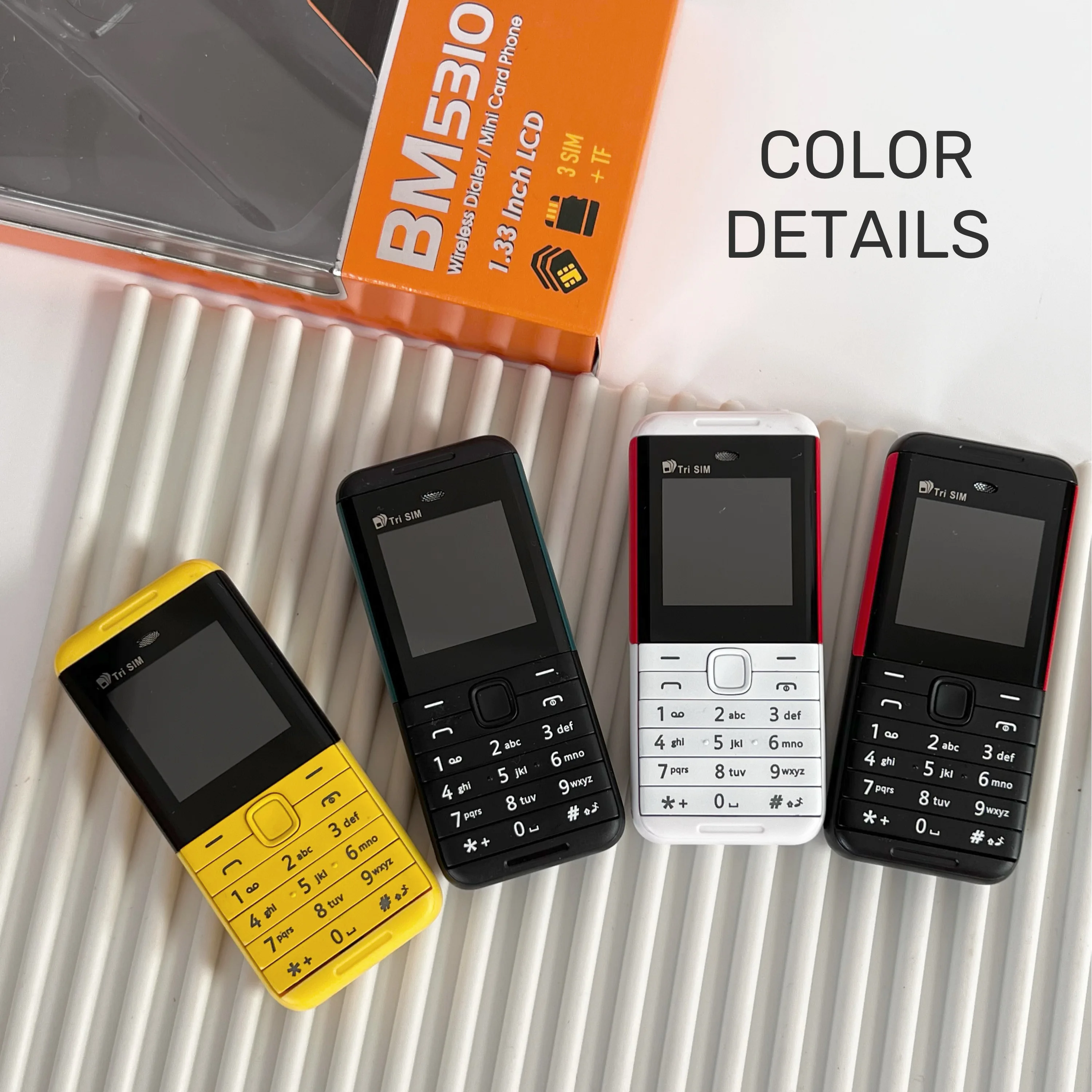
White & Red
Black & Red
Black & Green
Red & Black
Yellow & Black
Q:Why can't the phone be turned on?
A:The battery is covered with yellow insulating tape. Please remove the insulating tape from the battery before using the phone. Then charge the phone for 3-5 hours.
Q:How to set up Auto call recorder?
A:Due to insufficient phone memory. You must install a memory card. Then go through the following steps to set it up.
Settings - call logs - call settings - advanced settings - Auto call recorder
Q:How to use the Bluetooth Dialer function?
A:
1. Turn on the BM5310 Bluetooth function.
2.Activate the Bluetooth function of your smart phone, search and select " mtk " from the devices list to connect .
3. Connect "mtk", Input password "0000".
4. Enter the password "0000" on the MB5310 mobile phone, Connected successfully.
NOTE:The phone's middle button can only be used to select up or down. Right or left selection cannot be made.
FAQ
Q: Does the phone not turn on after charging?
A: If the mobile phone has not been used for a long time, the battery power will also be consumed by itself. If it cannot be turned on, You need to charge the mobile phone for 3-5 hours first. Please use the charging cable configured with this product and the charger that supports 5V1A to charge the mobile phone.
Q: How to check the status of the package?
A: Enter the official website of Cainiao parcel and enter the parcel number to check the logistics track. Or enter this page for customer service help to inquire.
https://global.cainiao.com/?spm=a311a.7996332.0.0.227d2516klCRJJ