


The Importance of Regular Drone Care for Performance
Your drone is a precision tool that relies on the harmony of various delicate components to remain airborne. Just as you might prioritize maintaining a Tidesmit massage gun for long-term muscle relief, treating your drone to consistent care ensures it continues to perform reliably during every mission. Preventative maintenance is not just a chore, it is the most effective way to extend the lifespan of your investment while avoiding the frustration of mid-flight failures.
Ignoring minor issues often leads to catastrophic, expensive repairs. A small chip in a propeller or a buildup of grit in the motors can cause vibrations that eventually compromise the entire flight controller. By contrast, professional-grade equipment like the Tidesmit Mini RC Drone benefits significantly from simple, regular visual inspections of the chassis and sensor arrays. Identifying cracks or loose screws before takeoff keeps your equipment stable and protects your wallet from the high costs of crash-related damage.
A proactive maintenance schedule transforms your flying experience from unpredictable to consistent. When you commit to checking your battery levels, firmware status, and mechanical connections, you reduce the risk of accidents caused by technical oversight. Whether you are a small business owner using drones for mapping or a hobbyist capturing aerial views, this disciplined approach creates a safer environment for your gear. Following these essential protocols ensures that every time you reach for your controller, you can trust your drone to deliver professional-grade performance every single time.
Essential Drone Inspection and Cleaning Techniques
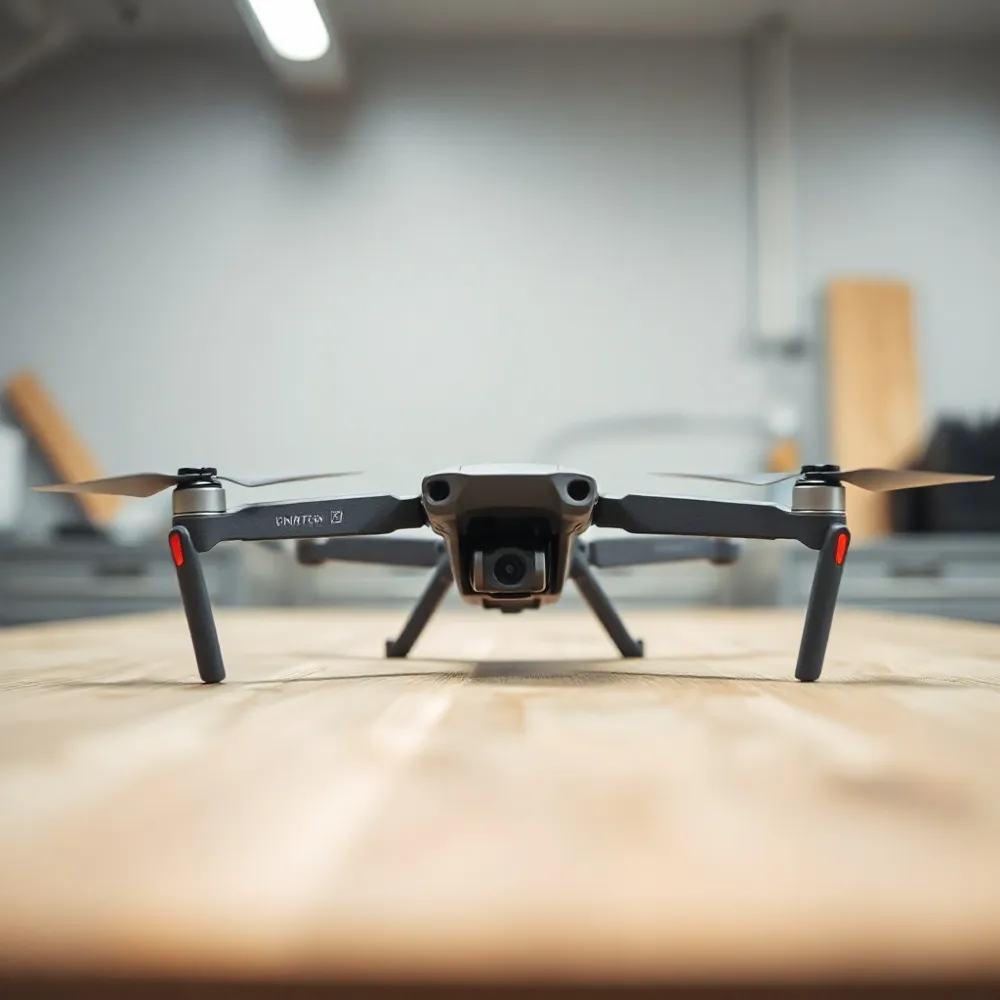
Your drone is a precision tool that relies on the harmony of its components to remain airborne, meaning routine care is the most effective way to protect your investment. Whether you are using a compact model like the Tidesmit Mini RC Drone or a more robust enterprise platform, a consistent inspection schedule prevents minor wear from becoming a costly mechanical failure.
Visual Chassis and Component Checks
Every pre-flight routine should begin with a visual scan of the airframe. Look closely for hairline cracks, particularly around the motor arms and mounting points, where stress is highest. Ensure all visible screws are secure and verify that the chassis shows no signs of warping or structural fatigue. For those operating in diverse environments, checking the shock-absorbing balls and external antenna connections is just as important as inspecting the main body for integrity.
Safe Cleaning Procedures
Motors and air vents act as magnets for dust and grit, which can obstruct airflow and cause premature overheating. Use a soft-bristled brush to gently sweep debris away from these sensitive areas after every flight. Crucially, avoid high-pressure compressed air, as the force can drive fine dust deep into motor bearings or delicate internal electronics, causing more harm than good. When wiping down the drone body, a microfiber cloth lightly dampened with 70% isopropyl alcohol is the standard for safety, whereas water can lead to corrosion on circuit boards.
Optic and Lens Care
The camera lens is the most sensitive part of your optical suite. Never use paper towels or rough cloths to clean it, as they can cause permanent micro-scratches on the glass surface. Instead, rely on a dedicated lens pen or a clean microfiber cloth specifically designed for optics. Maintaining these components ensures your footage remains clear and free of motion-induced distortions.
How can I maintain my drone to ensure it lasts longer?
To keep your drone in top condition, regularly clean the propellers and moving parts, check for loose screws, and store the device in a cool, dry place. Always check your manufacturer’s specific operating temperature guidelines and avoid leaving your drone or batteries in a hot car, as high heat can significantly degrade battery life and damage internal components. During warmer months, shorten your flight times and take breaks to allow motors and electronics to cool down, which prevents overheating. Be mindful of high humidity, as excess moisture can harm electrical systems over time. By staying proactive with these simple maintenance habits, you will ensure your drone performs reliably for years to come.
Mastering Drone Battery Health and Storage

Your drone battery is the most critical component regarding flight safety and equipment longevity. Lithium polymer (LiPo) batteries are highly sensitive to their environment and charge levels. Proper care ensures you avoid capacity loss and safety hazards that often plague neglected power supplies.
What are the best practices for keeping my drone battery healthy?
To keep your drone battery in peak condition, always store it in a cool, dry place between 22°C and 28°C. If you aren't planning to fly for more than 10 days, discharge the battery to between 40% and 65% to prevent internal stress. Avoid charging your battery immediately after a flight; wait until it has fully cooled down to prevent overheating and potential damage. It is also essential to perform a full charge and discharge cycle at least once every three months to maintain battery activity. Finally, never store a battery that is completely drained, as this can lead to permanent damage and drastically shorten its lifespan.
How can I interpret my drone battery's light codes?
Drone battery light codes are designed to provide quick updates on your battery's charge level, health, and operational status. While specific patterns vary by manufacturer, a series of solid lights typically indicates the current percentage of your remaining charge, while blinking lights often signal that a battery is actively charging or needs attention. If you see unusual flashing sequences or inconsistent light patterns, this may indicate an error, overheating, or a maintenance requirement. To ensure safety, always consult your specific drone model's user manual to correctly decipher what your battery is communicating. For optimal performance, aim to keep your batteries well-maintained and fully charged before heading out for a flight.
Modern smart batteries often include built-in circuitry that automatically discharges the unit to a safe storage level after a set period of inactivity, typically 10 days. While this feature helps, it does not replace the need for physical storage in a fire-resistant LiPo-safe bag, which offers an essential extra layer of protection. You can monitor the health of these units directly through official companion apps, which track voltage and cycle counts. Keeping your equipment in top shape ensures you have reliable power for every mission, whether you are flying a compact model or a larger professional drone.
Propeller Maintenance and Safety Protocols
How do I know when it is time to replace my drone propellers?
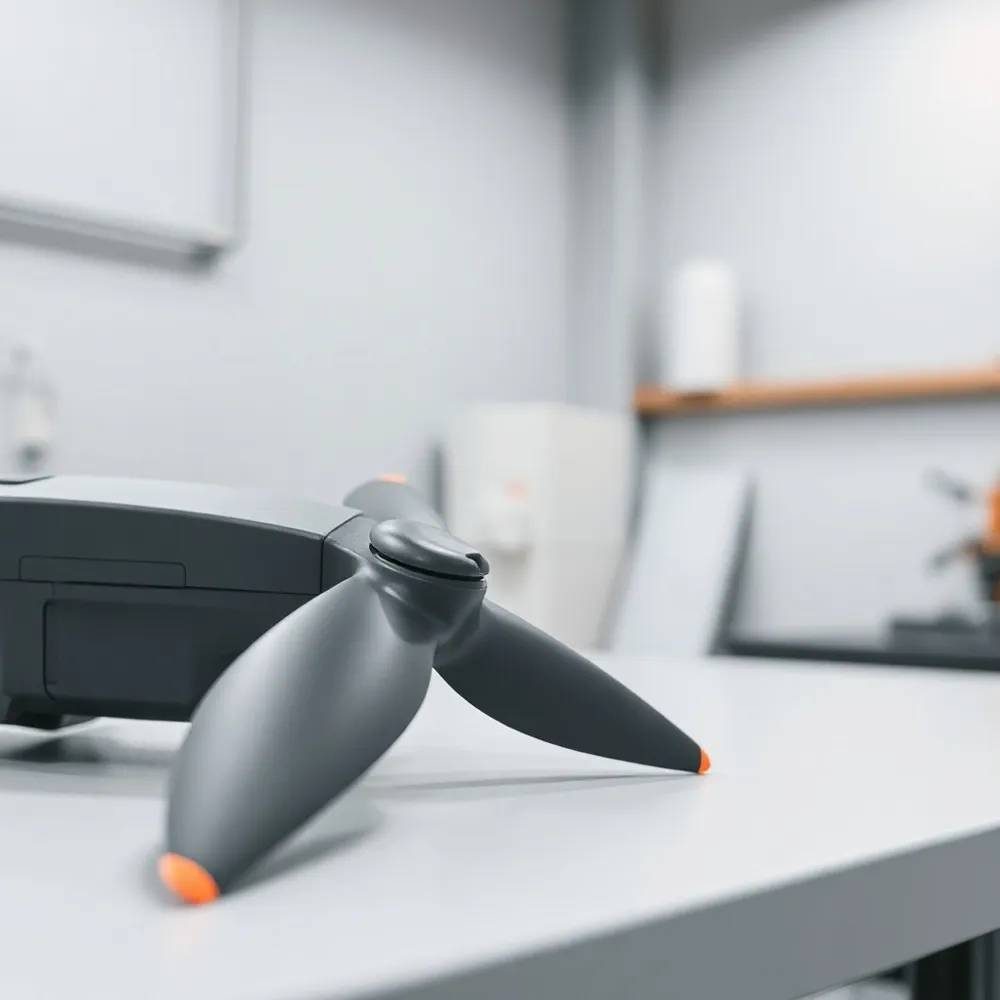
You should inspect your drone propellers before every flight, looking closely for any nicks, cracks, chips, or visible bending. Even minor physical damage or deformation can cause vibrations that reduce flight efficiency and place dangerous stress on your motor bearings. If you notice any damage, it is important to replace the entire set on the affected motor to ensure the weight and balance remain consistent. Beyond physical wear, consider upgrading your propellers if you want a quieter flight, increased agility, or better performance when flying at higher altitudes. Replacing worn props is a simple, affordable way to protect your drone and ensure you always enjoy smooth, reliable flights.
Beyond routine visual checks, monitor your flight logs to track usage. While a standard replacement interval is 200 to 300 flight hours, environmental factors like humidity or exposure to UV rays can cause plastic blades to become brittle or discolored sooner. If you fly a high-performance mini drone, you should treat propellers as consumables that require an immediate swap after any significant impact or crash. Even if they appear intact, unseen micro-fractures can cause structural failure under the high centrifugal forces of flight.
Proper mounting is just as vital as the quality of the blades themselves. Most drones utilize specific markings to distinguish between clockwise and counter-clockwise rotation, and failing to match these correctly will result in the drone flipping or failing to lift off. Always power down the aircraft and remove the battery before attempting a replacement to prevent accidental motor activation. If you are comparing your setup to entry-level alternatives, remember that using official, matched sets ensures the aerodynamic balance designed by the manufacturer.
Once new propellers are installed, you must verify the installation before heading out for a full mission. Start by performing a manual tug test to ensure each blade is locked securely on the motor hub. Once confirmed, place the drone on a level surface and conduct a 30-second low-altitude hover test. Listen closely for any grinding noises or unusual vibrations that might suggest a mounting error or an unbalanced blade. This simple safety protocol catches many common installation issues, keeping your flight path stable and your equipment running efficiently.
Firmware Updates and Operational Safety Regulations
Keeping your drone software current is just as important as maintaining its physical hardware. Firmware updates are essential because they frequently provide critical patches for security vulnerabilities, resolve known flight control bugs, and introduce performance optimizations that can extend your flight time or improve stability. Whether you are using a budget-friendly model or a professional-grade rig, failing to update your system can lead to unpredictable behavior or connectivity issues.
Best Practices for Updating Safely
An interrupted update process can result in a bricked device, meaning the drone becomes unresponsive. To avoid this, always ensure your drone and remote controller have at least 50% battery life before starting. Keep your mobile device and drone within a stable, close-range wireless connection throughout the entire process. Furthermore, many modern systems require you to perform recalibrations of internal sensors, such as the IMU, compass, and gimbal, immediately after a major firmware installation. These calibrations ensure that the flight controller correctly interprets its orientation and movement, which is vital for safe and accurate navigation.
What is the standard 120-meter rule for operating drones?
The 120-meter rule, often referred to as the 400-foot altitude limit, is a key aviation safety regulation designed to keep drones at a safe distance from manned aircraft. Under this rule, you must operate your drone at an altitude no higher than 120 meters (approximately 400 feet) above ground level. This limit ensures that your device remains in lower-altitude airspace where it is less likely to interfere with planes or helicopters. It is a standard federal guideline intended to maintain clear skies and improve general aviation safety. Always remember to follow these altitude restrictions to keep your drone flights compliant and secure.
Building a Sustainable Maintenance Routine
Consistency is the best tool for protecting your investment. Establishing a structured maintenance log allows you to track service history, monitor flight hours, and stay ahead of potential component fatigue. By recording every check, repair, and firmware update, you create a clear roadmap for your drone's health that helps simplify troubleshooting and supports future warranty claims.
When it comes time to replace parts, prioritize using genuine, manufacturer-approved components. While third-party alternatives may appear budget-friendly, official parts ensure compatibility, preserve flight stability, and prevent the unexpected performance degradation that often occurs with unverified gear. At Tidesmit.com, we emphasize this focus on reliability, ensuring that every user has access to performance-grade tools that keep their equipment operating as intended.
Adopting a proactive approach to care ultimately leads to more time in the air and less time grounded for repairs. Regularly cleaning motors, cycling batteries, and inspecting airframes might seem like minor tasks, but they collectively prevent the small issues that evolve into costly malfunctions. A well-maintained machine not only performs better but also offers the peace of mind that comes with knowing your hardware is ready for your next mission.
- Document every flight, maintenance check, and firmware update in a dedicated digital or physical log.
- Always choose manufacturer-approved parts to ensure your drone meets original safety and performance specifications.
- Perform visual and operational checks before and after every flight to catch issues while they remain manageable.
- Schedule regular deep-cleans and sensor calibrations to maintain accuracy in varying environmental conditions.
