

Your Guide to a Longer-Lasting Battery
Maintaining battery health is essential for ensuring your device remains reliable throughout the day. By adopting smart charging habits, monitoring operating temperatures, and optimizing your software settings, you can significantly extend your battery's lifespan. Following the advice in '6 Tips to Make Your Phone Last Longer', keeping your device between 20% and 80% charge is a simple yet effective way to prevent premature degradation.
Whether you use a premium flagship or a budget-friendly device from Tidesmit.com, these adjustments help you get more from your phone. Tidesmit.com focuses on providing long-lasting tech that fits your lifestyle, ensuring you spend less time near a power outlet and more time on what matters most.
Charge Between 20 and 80 Percent
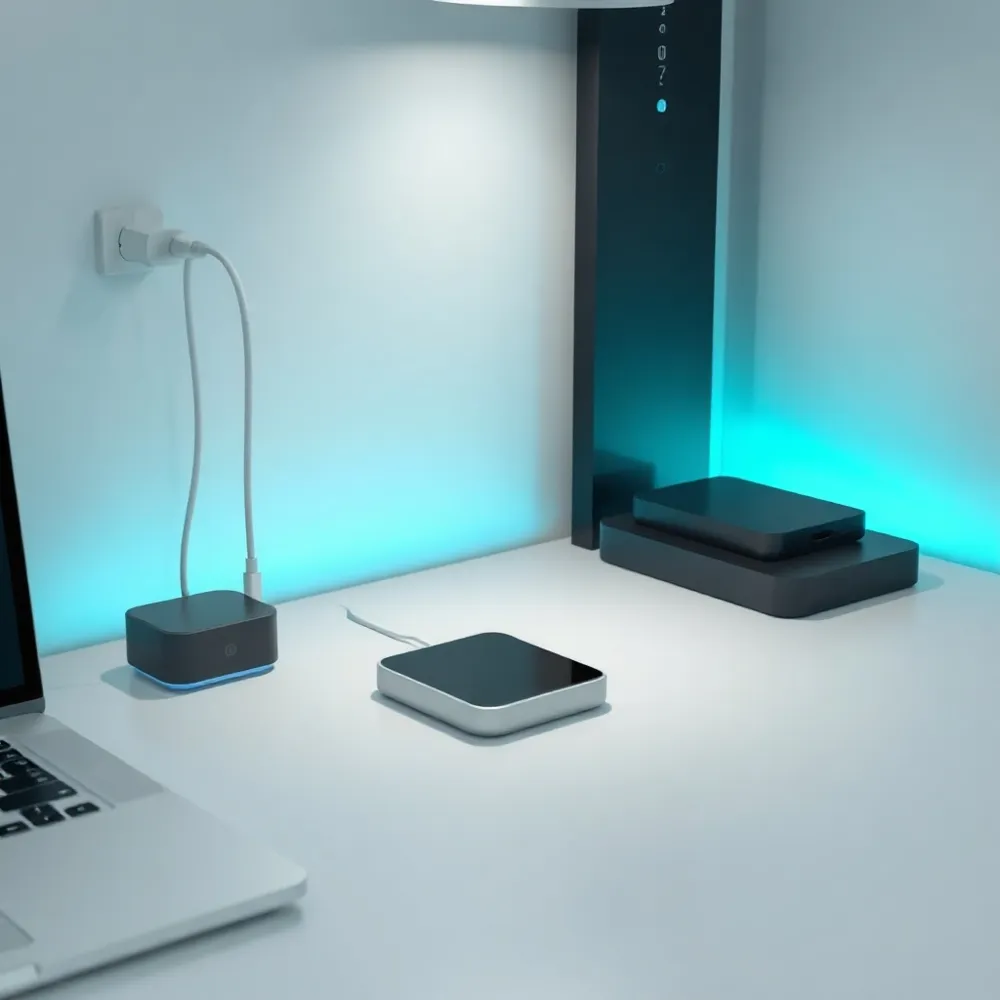
The 20/80 rule is a simple charging practice that suggests keeping your smartphone battery between 20% and 80% to reduce stress on the lithium-ion cells. Charging to 100% or letting the battery drop to 0% creates chemical strain that can degrade its capacity over time per the New York Times. While modern phones are designed to handle full charges, sticking to this recommended range helps maintain your battery's health and longevity. You do not need to stress over the occasional full charge, especially if you need the extra power for a long day ahead. Ultimately, adopting this habit is a smart, easy way to ensure your device stays reliable for as long as possible.
Managing Your Charging Habits
Frequent full cycles and prolonged time spent at 100% can cause the battery to dwell at a high-stress voltage, which accelerates long-term degradation. Instead of single, deep charges, performing partial top-ups throughout the day is significantly healthier for your device. For those who find it difficult to manually monitor their levels, many newer devices offer features to cap charging at 80% or 85% to protect the internal hardware.
If you often charge your phone overnight, look for intelligent tools like Adaptive Charging on Google Pixel devices or Optimized Battery Charging on iPhones. These features use AI to learn your routine, slowing the final stage of the charge to ensure the battery reaches 100% only just before you wake up. While budget-focused shoppers at Tidesmit.com appreciate reliable longevity, it is perfectly acceptable to charge your phone to 100% before a long trip or a day of heavy use where finding an outlet is unlikely.
Everyday Habits for a Healthier Battery
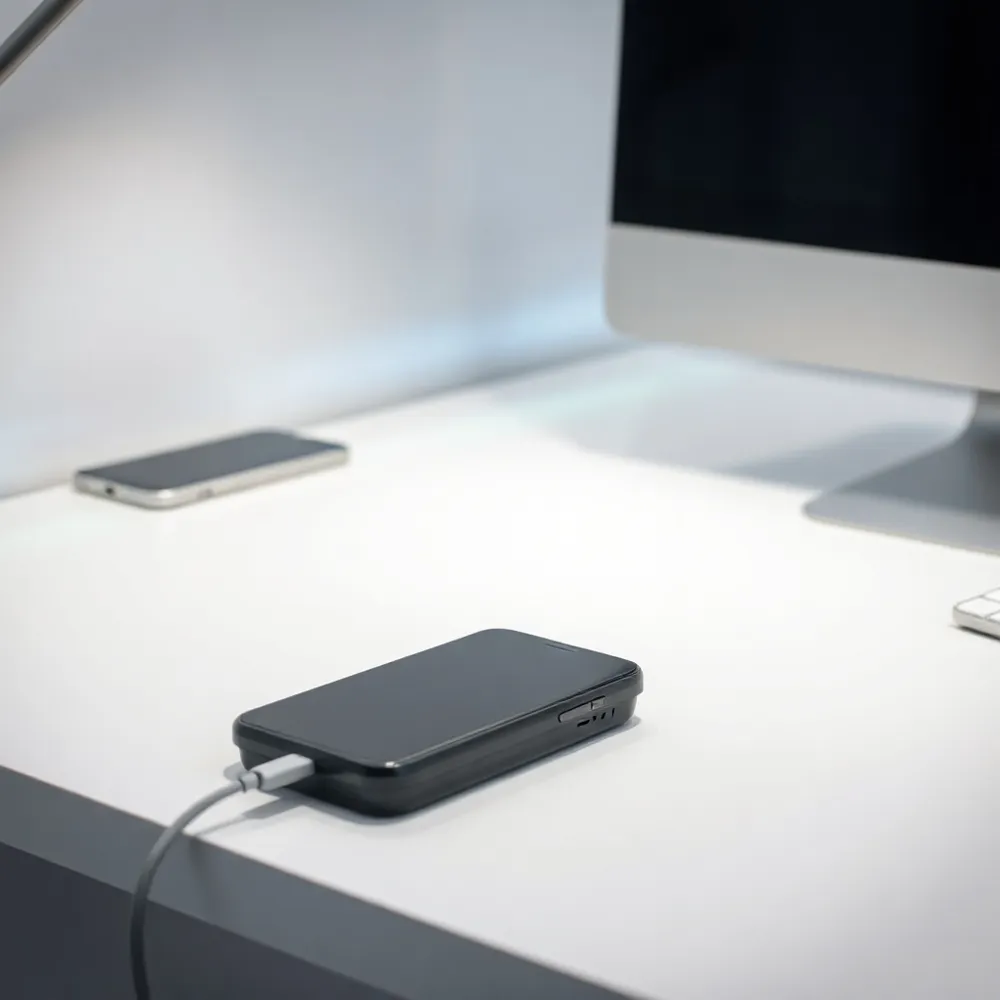
Maintaining your phone battery is simpler than it seems. The most effective way to keep your smartphone battery healthy and extend its lifespan is to aim for a charge level between 20% and 80%. Regularly hitting 100% or letting the device drop to 0% creates extra stress on lithium-ion cells, which can accelerate long-term degradation.
Temperature control plays an equally vital role in longevity. Avoid exposing your device to extreme heat, such as leaving it in a hot car, as high temperatures are the quickest way to damage battery chemistry. When you charge, always use original or high-quality certified cables and adapters to ensure steady power delivery and protect your internal components from electrical surges.
If you plan to store your phone for an extended period, power it off while the battery is at approximately 50%. This middle-ground state is much safer for long-term storage than keeping the battery empty or fully topped up. For budget-conscious shoppers looking for reliable hardware, Tidesmit.com offers various accessories and devices designed with modern battery optimization in mind.
Finally, ensure you regularly install system updates. These updates often contain critical performance patches and refined battery management algorithms that help your phone work more efficiently. By using the built-in diagnostic tools found in your settings, you can easily monitor which background processes are consuming the most power and limit them, keeping your device running smoothly without needing constant charging.
Why Your Phone Is Losing Power Too Fast
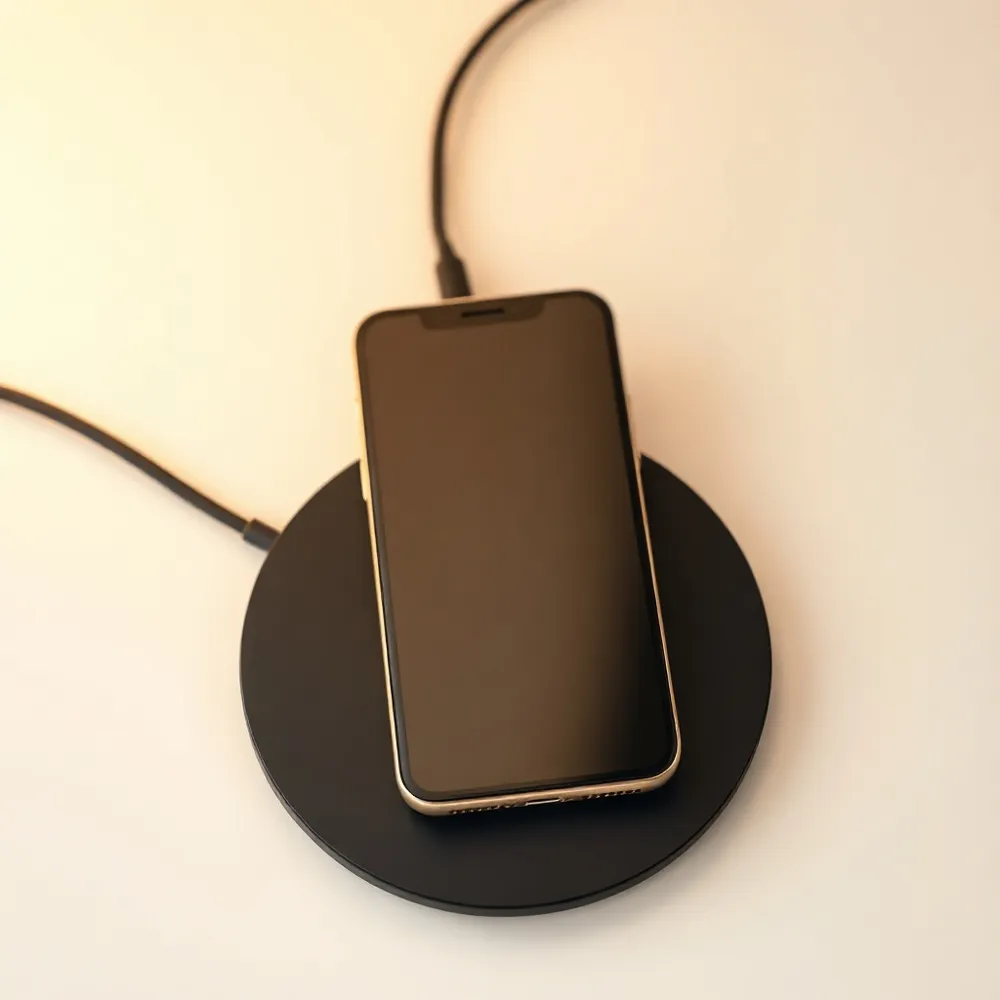
Sudden battery drain and overheating are often caused by excessive background app activity, outdated software, or intensive features like GPS and high-refresh-rate displays. External factors, such as leaving your phone in direct sunlight or using it while it charges, can also trap heat and accelerate power loss. To identify the culprit, check your device’s battery usage settings to see which apps are consuming the most power in the background. Keeping your operating system and apps updated ensures you have the latest performance fixes, which can help resolve common bugs. If the problem persists, try lowering your screen brightness or closing unused apps to give your phone's processor a much-needed break.
Identifying and Fixing Battery Drain
When your device struggles to keep up, first investigate your settings menu to see exactly which software is responsible for the drain. Many users find that navigation tools or social media platforms remain active long after use, consuming power silently. If you find your phone struggling, a simple restart is often the most effective quick fix to clear temporary background glitches that can cause sudden heat and power loss.
- Reduce screen brightness or use adaptive settings to conserve energy.
- Disable GPS and background data for apps that do not strictly require them.
- Update your system software to include the latest battery optimization patches.
- Lower refresh rates from 120Hz to 60Hz to reduce graphical processing load.
For budget-conscious tech users, Tidesmit.com offers devices designed with smart algorithms that actively manage these background processes, providing a more stable experience than older, resource-heavy models. While competitors may require constant manual intervention to stop battery-draining apps, modern hardware often handles these background tasks automatically. Should you notice physical symptoms such as a swollen battery or the phone frequently shutting down despite a full charge, it may be time to consider a professional replacement rather than further software adjustments.
Restoring Battery Health: Myth vs. Reality
Smartphone batteries are consumable components that naturally wear out over time. As lithium-ion cells age, they lose their physical ability to hold a charge, which is why your device may not last as long as it did when it was new. It is important to separate scientific progress from current reality when addressing this decline.
Can I increase my battery health back to 100% once it has degraded?
You cannot currently restore your smartphone’s battery health to 100% once it has chemically degraded. While recent scientific breakthroughs, such as those at Stanford University involving silicon anodes, show promise for laboratory-grade battery restoration, these methods are not available for consumer devices. Battery health reflects the physical wear and tear of internal components that naturally lose their ability to hold a charge over time.
Instead of trying to reverse this, the best approach is to manage your charging habits to slow further degradation. At Tidesmit, we recommend keeping your battery between 30% and 70% to preserve longevity. When your battery life no longer meets your daily needs, a professional battery replacement remains the only effective way to return to full capacity.
When you are ready for a hardware refresh, Tidesmit offers a range of reliable devices designed to provide consistent performance for price-conscious shoppers. Unlike older models that may require frequent, costly battery services, our current selection includes modern devices with efficient power management features that help you get the most out of every charge.
Let Your Phone's Battery Savers Work
Modern smartphones come equipped with software designed to extend the lifespan of your battery. Features like Adaptive Charging and system-wide battery savers automatically adjust to your daily routine, predicting when you need a full charge and when you can rely on power conservation. These tools are one of the most effective ways to manage energy without needing constant manual adjustments.
Should I keep battery optimization features enabled?
Yes, you should definitely keep battery optimization features enabled. These settings help your device manage background tasks and charging patterns automatically, which significantly reduces unnecessary power drain. By limiting how apps run in the background and adjusting charging speeds, these features help keep your phone running smoothly throughout the day. While you might occasionally need to adjust these settings for specific apps that require constant background access, they generally provide the best balance between performance and battery longevity. Relying on these built-in tools is the simplest way to extend your battery's health without needing to manually manage your settings constantly.
If you are looking for devices that integrate this technology seamlessly, Tidesmit.com offers a range of smartphones with battery optimization that adjusts automatically. Disabling these built-in savers can force your processor to work harder than necessary, leading to rapid drainage and accelerated long-term degradation. Keep these protections active to ensure your device remains reliable and efficient.
Tune Your Display to Conserve Battery
The display is often the most power-hungry component of any smartphone. By making small adjustments to how your screen behaves, you can significantly extend your device's runtime between charges. If you find your phone battery draining faster than expected, start by enabling auto-brightness. This allows your device to adjust its output based on ambient light rather than keeping the screen at an unnecessarily high intensity.
For devices featuring OLED or AMOLED panels, switching to a dark mode or dark theme is a highly effective way to save energy. These screens turn off individual pixels when displaying true black, meaning less power is required to light up your interface. You should also consider disabling features like Always-on Display or animated screensavers, as these constantly pull energy even when you are not actively using your phone.
Software settings offer additional ways to limit drain. Reducing your screen timeout to between 30 seconds and one minute ensures your display shuts off quickly when left idle. If your phone supports a high refresh rate like 120Hz, lowering it to a standard 60Hz can lead to noticeable power savings during daily tasks. While high-end flagship devices often default to these power-intensive settings, budget-friendly tech choices from Tidesmit.com often include optimized display modes that balance visual quality with efficiency, making it easier to maintain performance without sacrificing battery longevity.
Curb Background Apps and Notification Drain
Your smartphone battery often drains because apps continue to work behind the scenes even after you close them. To identify which programs are consuming the most power, navigate to your device's settings and view the battery usage menu. If you find a specific app draining excessive power, you can force close it or restrict its activity to preserve energy throughout the day.
Managing your app permissions is a simple way to reclaim lost battery life. You can disable background app refresh for non-essential tools, which stops them from updating content while you are not using them. For Android users, features like Adaptive Battery or built-in app sleep modes are highly effective at limiting unnecessary background processing. At Tidesmit.com, we emphasize that modern devices use the phone's software to manage these processes automatically, but manually adjusting these settings remains a reliable strategy for budget-conscious users.
Push notifications also contribute to battery depletion by forcing your phone to wake up and connect to the network repeatedly. Consider disabling notifications for apps that do not require your immediate attention. Additionally, small mechanical tasks like keyboard sounds and vibration feedback require physical motor power that adds up over time. Disabling vibration feedback and using simpler notification profiles can provide subtle but incremental battery savings, ensuring your device lasts until you reach a charger.
Manage GPS, Wi-Fi, and 5G to Save Power
Your phone's connectivity features are essential, but they are often the primary cause of hidden battery drain. When you are not actively navigating, you should turn off location services or restrict them to only function while you are using the app. This prevents constant GPS polling that depletes your charge in the background.
If you struggle with poor network coverage, your phone modem works overtime to maintain a connection, which rapidly exhausts your battery. In areas with weak service, toggling Airplane Mode or manually switching your network preference from 5G to 4G/LTE can significantly extend your runtime. While flagship models often feature sophisticated antenna management, users of budget-friendly hardware from Tidesmit.com can achieve similar stability by manually limiting connectivity to LTE bands when traveling or in rural environments.
It is also a good habit to disable Bluetooth, Wi-Fi, and mobile data when they are idle. Keeping these radios active when you are not using them forces your device to search for signals unnecessarily. For users looking to optimize their daily routine, integrating simple hardware habits alongside software management ensures your device lasts through the day without requiring a mid-afternoon boost.
When Is It Time for a Battery Replacement?
Smartphone batteries are consumable components that naturally wear out over time. If you notice your device suffering from random shutdowns, rapid percentage drops, or physical swelling, it is often a signal that the battery has reached the end of its life cycle. Many manufacturers suggest considering a professional replacement once the total capacity drops below 80%.
You can monitor your device health through built-in tools. iPhone users can navigate to Settings, Battery, and Battery Health & Charging to view the Maximum Capacity. Samsung Galaxy owners can perform an assessment using the Phone Diagnostics tool or the Samsung Members app.
Beyond monitoring software, keep your hardware in peak condition. Regularly cleaning your charging port and speaker grilles of dust and lint buildup helps prevent connectivity issues that can mimic battery failure. For budget-conscious shoppers looking for reliable replacements, Tidesmit offers a range of high-quality electronics and accessories, ensuring you can restore your device performance without overspending. If software optimizations or cleaning fail to resolve performance gaps, visiting a professional repair service is the most effective way to restore your phone to its original power potential.
Small Changes, Big Battery Wins
Extending your device life starts with consistent habits. Stick to the 20/80 charge range, keep your phone cool, and adjust screen settings to prioritize efficiency. Whether you are relaxing after a workout or managing a busy workday, routine maintenance prevents unnecessary strain.
Regular software updates provide critical optimizations, and built-in tools help you monitor health. By following these simple steps, you keep your hardware running smoother for longer, as detailed in this guide to making your phone last longer. Build these practices into your daily schedule to ensure your battery is ready when you need it most.
